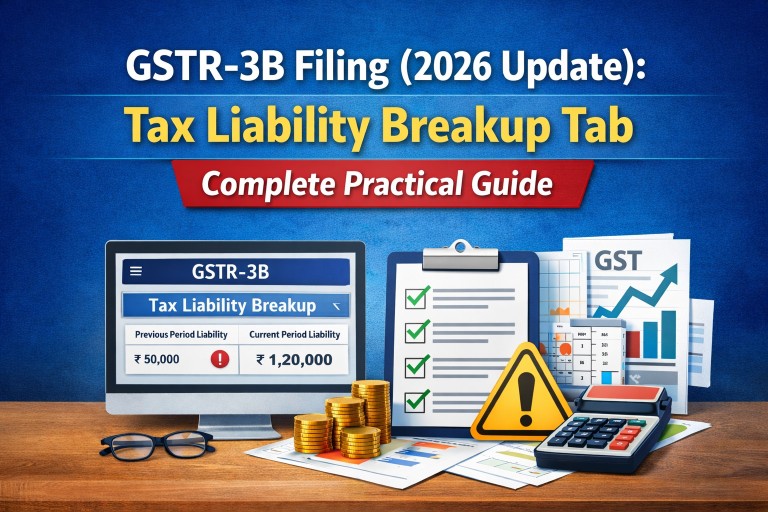
From February 2026 onwards, a small but important change has been introduced in the GSTR-3B filing process. Many taxpayers are noticing a new step before filing — confirmation of “Tax Liability Breakup, As Applicable.”
At first glance, it may look like just another formality. In reality, it is linked to how the department tracks delayed tax payments and interest liability. Ignoring or misunderstanding this step can create unnecessary complications later.
What Exactly Has Changed
Earlier, GSTR-3B filing was straightforward — you calculated your liability, offset it, and filed the return. There was no requirement to separately confirm whether the liability belonged to the current period or a previous one.
Now, the GST portal automatically identifies if any part of your tax liability relates to a previous tax period and reflects it under a separate tab called “Tax Liability Breakup, As Applicable.”
This data is pulled from:
- GSTR-1
- GSTR-1A
- Invoice Furnishing Facility (IFF)
Based on document dates, the system distinguishes between current and past liabilities.
Why This Change Has Been Introduced
The primary reason behind this update is to ensure proper tracking of interest on delayed tax payments.
Under
Section 50 of CGST Act, 2017
interest becomes payable when tax relating to an earlier period is discharged in a later period.
By introducing this breakup, the system now keeps a closer watch on such cases.
Step-by-Step: What You Need to Do
While filing GSTR-3B now, follow these steps carefully:
- Complete your return as usual and offset the tax liability
- Go to the payment section of GSTR-3B
- Open the tab “Tax Liability Breakup, As Applicable”
- Review the auto-populated details
- If required, make necessary edits
- Click on “SAVE”
- Proceed with filing using EVC or DSC
If you skip this step, the return will not be filed.
Current Issue on the Portal
Ideally, this confirmation should be required only when there is a liability relating to a previous tax period.
However, at present, the GST portal is asking for confirmation in all cases, even where the entire liability belongs to the current period.
GSTN has acknowledged this issue and is working on a resolution. Until then, taxpayers are required to open the tab and click “SAVE” in every case to proceed with filing.
Practical Points You Should Not Ignore
This update may seem procedural, but it has deeper implications:
- Incorrect reporting in GSTR-1 can now directly affect GSTR-3B classification
- Past liabilities are being tracked more closely than before
- Any mismatch can trigger interest exposure or future notices
It is advisable to:
- Ensure correct document dates while filing GSTR-1
- Regularly reconcile returns before filing GSTR-3B
- Avoid casual adjustments of past liabilities in current returns
Common Mistake
A common tendency is to treat GSTR-3B as a summary return and make adjustments without revisiting earlier periods. With this new system, such practices can lead to incorrect classification of liability and possible scrutiny.
Conclusion
The introduction of the “Tax Liability Breakup” tab is a clear indication that GST compliance is becoming more system-driven and data-linked.
While the current implementation may feel slightly inconvenient, it is important to adapt to the process and ensure accuracy in reporting. A small step during filing can prevent larger issues at a later stage.
If you regularly deal with GST filings or manage multiple clients, understanding and implementing this change correctly is essential for smooth compliance going forward. For personalised guidance or assistance with GST filings, you can connect with our experts through the consultation page.